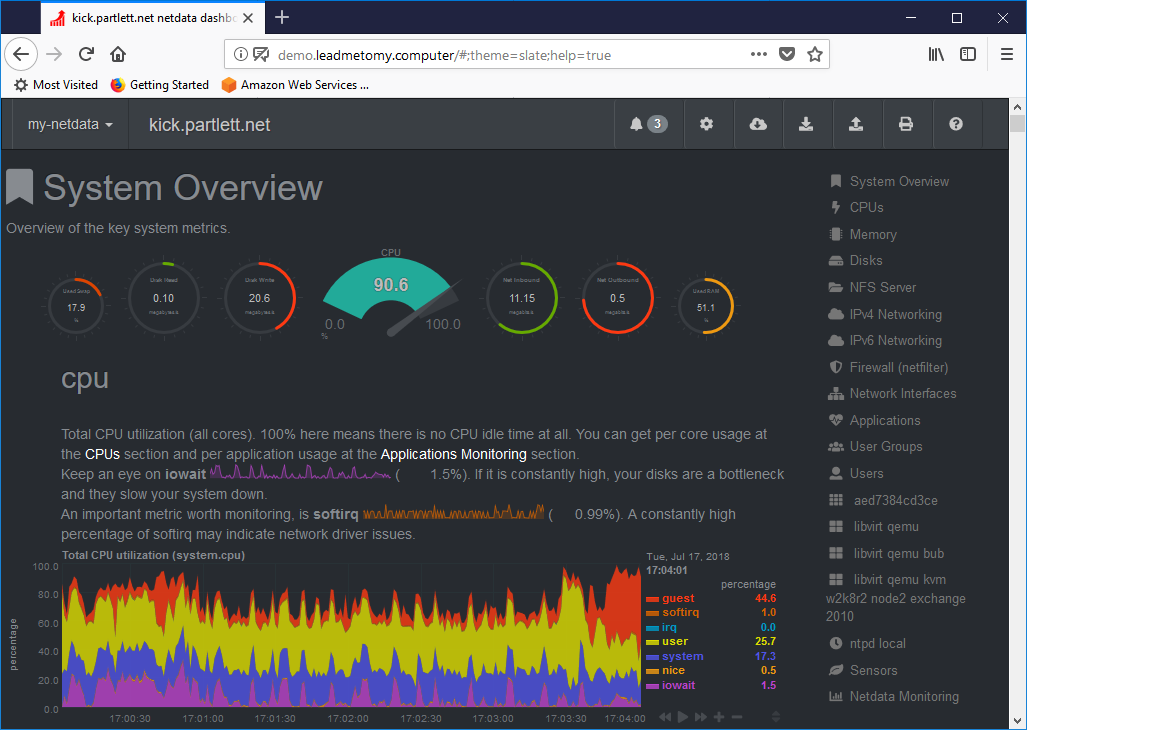
An example of what ‘leadmetomy.computer’ can do … A internal NetData system dashboard being displayed on the internet without opening any firewalls.
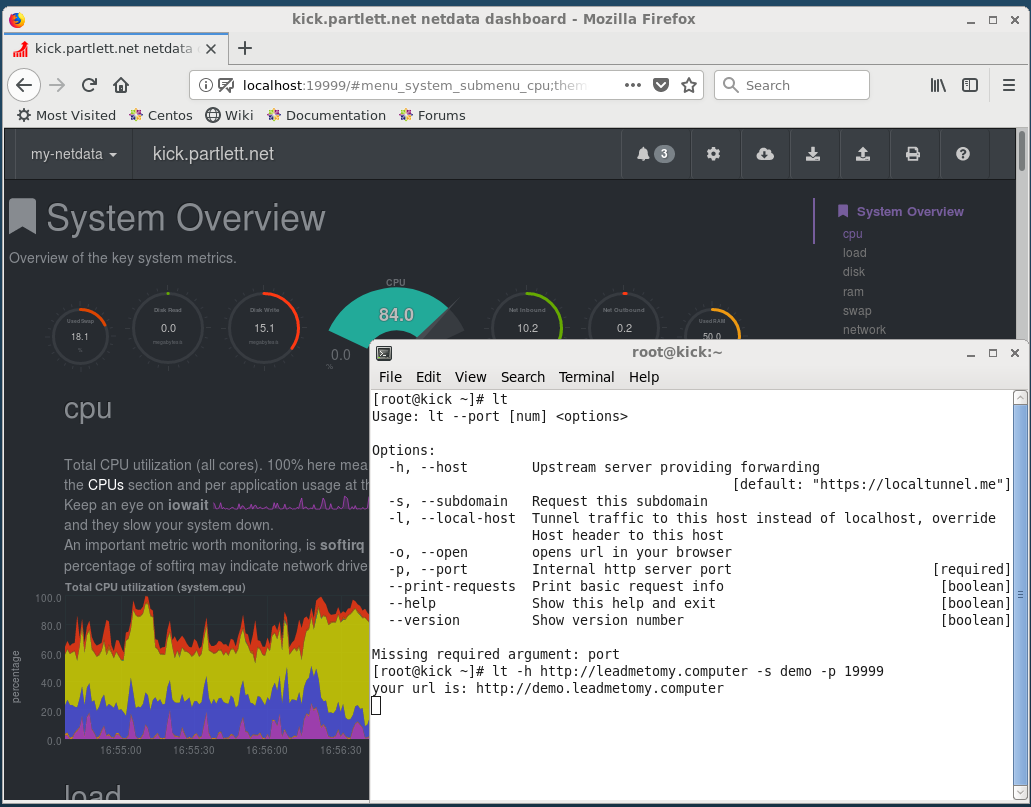
- After you install the localtunnel client ‘npm install localtunnel -g’ , run the ‘lt’ command to establish the connection to leadmetomy.computer
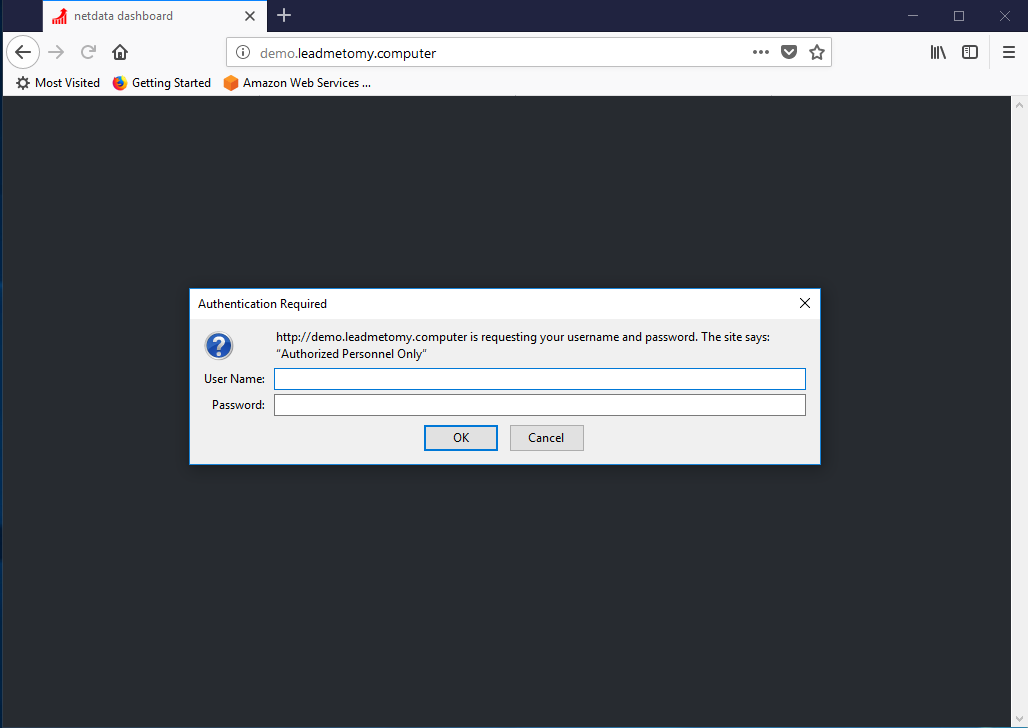
2. Once connected, you are able to open the URL in the a web browser on the internet. You will be prompted with a Username/Password before authorisation.
3. Once authorised you will have visibility of the internal system on the internet.